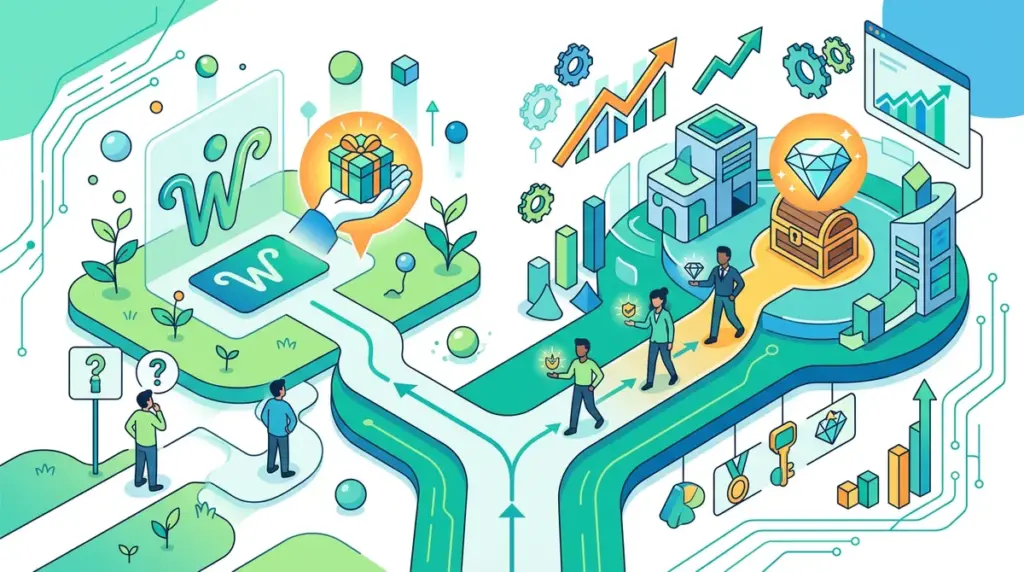
The Opportunity Cost of Static CTAs
Most marketing teams treat their homepage like a static billboard, serving the exact same "Book a Demo" or "Sign Up" button to a first-time visitor from LinkedIn as they do to a lead who has visited the pricing page four times in the last week. This is a fundamental waste of digital real estate. When you treat a stranger and a warm prospect identically, you ignore the shift in intent that occurs between discovery and decision-making.
The goal of dynamic CTA implementation is to reduce friction by matching the offer to the user's current stage in the funnel. A new visitor is often looking for proof of competence or a low-stakes way to engage. A returning visitor is likely looking for specific answers or a path to purchase. Forcing both through the same conversion gate leads to "conversion debt"—the cumulative loss of leads who weren't ready for a high-friction ask or who got frustrated by a redundant one.
Architecting the First-Touch Experience
For a first-time visitor, your primary objective is not the sale; it is the capture. You are competing against the "Back" button. At this stage, high-friction CTAs like "Start a Trial" often see lower conversion rates because the user hasn't yet established a baseline of trust with your brand.
Lead Magnets vs. Direct Sales for New Traffic
Best for: Cold organic traffic and social referrals.
New visitors respond best to educational or value-first CTAs. Instead of asking for a credit card or a 30-minute meeting, offer a resource that solves an immediate, narrow problem. This allows you to place a tracking cookie and move them into a lead-nurturing sequence. Effective "New Visitor" CTAs include:
- "Download the Industry Benchmark Report"
- "Get the 5-Step Checklist"
- "Watch the 2-Minute Product Tour"
- "Join 5,000+ Marketers in Our Weekly Newsletter"
The logic here is simple: you are trading a small amount of value for an email address or a pixel event. Once that exchange happens, the user is no longer "new," and your strategy must shift immediately.
Optimizing for the Returning User
When a user returns to your site, they have already bypassed the initial skepticism phase. They know who you are and what you do. Showing them the same "Download our PDF" banner they saw yesterday is a missed opportunity. At this stage, your CTAs should focus on velocity—moving them toward the final conversion point as quickly as possible.
Using Behavioral Triggers to Shorten the Sales Cycle
Returning visitors provide a wealth of data points. If they previously spent three minutes on your pricing page, your CTA shouldn't be "Learn More"; it should be "Start Your 14-Day Free Trial" or "Compare Our Plans." If they have already downloaded a top-of-funnel (TOFU) asset, the CTA should automatically update to a middle-of-funnel (MOFU) offer like a case study or a webinar registration.
Pro Tip: Use "Resume Your Progress" CTAs for returning users who have engaged with a tool or a multi-step form. Reminding a user exactly where they left off reduces cognitive load and increases the likelihood of completion by up to 22% compared to a generic "Sign In" button.
Best for: Direct traffic, returning email clicks, and retargeting sessions.
Technical Guardrails for Dynamic CTA Implementation
Implementing different CTAs based on visitor status requires a robust technical setup, but it doesn't necessarily require a complex enterprise stack. Most modern CRO teams use a combination of three methods:
1. Cookie-Based Logic: Setting a simple "returning_visitor" cookie upon the first session. Your CMS or a JavaScript snippet can check for this cookie's presence to toggle between CTA variants. This is the most lightweight method but can be cleared by users or blocked by certain privacy settings.
2. URL Parameter Mapping: If a user clicks a link in your nurturing email, the URL should contain a parameter like ?user_status=lead. Your site can then listen for this parameter and hide "Sign Up" buttons in favor of "Book a Strategy Call."
3. Identity Resolution via CRM: Tools that integrate your site directly with your CRM (like HubSpot or Salesforce) allow for "Smart Content." This is the gold standard, as it allows you to show different CTAs based on the user's actual lifecycle stage (e.g., MQL, SQL, or existing Customer).
Mapping Your CTA Migration Strategy
To move away from static CTAs, you must first audit your existing traffic and identify where the largest "intent gaps" exist. Start by segmenting your conversion data in your analytics platform to see the conversion rate difference between new and returning users for your primary CTA. If your "Request a Quote" button has a 0.5% conversion rate for new visitors but a 4% rate for returning ones, you have a clear mandate to show new visitors something else.
Follow this checklist to begin the transition:
- Identify your top 5 high-traffic landing pages.
- Define one "Low Friction" CTA for new users and one "High Intent" CTA for returning users.
- Set up an A/B test where the control is the static CTA and the variant is the dynamic logic.
- Ensure your "Returning" CTA is hidden for users who are already logged in (show them a "Go to Dashboard" or "Upgrade" button instead).
- Monitor the "Micro-Conversion" rate (e.g., newsletter signups) alongside the "Macro-Conversion" rate (e.g., sales) to ensure you aren't just shifting numbers around.
Frequently Asked Questions
Does showing different CTAs hurt my SEO?
No, provided you implement the changes correctly. Search engine crawlers typically see the default version of the page (the "New Visitor" state). As long as you aren't cloaking content specifically to deceive bots or significantly slowing down page load times with heavy scripts, dynamic CTAs are a standard UX practice that does not negatively impact rankings.
What if a returning visitor hasn't converted yet?
If a visitor returns but hasn't provided an email, they are still in the "consideration" phase. For these users, move from a broad educational offer to a more specific one. If they saw a general guide on their first visit, show them a specific case study or a "How it Works" video on their second. The goal is to deepen the relationship with each visit.
Can I use dynamic CTAs on mobile?
Absolutely. In fact, it is often more critical on mobile where screen real estate is limited. A returning user on a mobile device is often looking for a specific action—like "Log In" or "Check Order Status." Making these the primary CTAs for returning users improves the mobile experience significantly.
How do I handle users who switch devices?
Device switching is the primary limitation of cookie-based tracking. A user who visits on desktop and then returns on mobile will appear as a "New Visitor" on mobile. To solve this, encourage a "soft conversion" (like an email signup) early on. Once they click a link in an email from their mobile device, your system can re-identify them and serve the correct returning-visitor CTA.